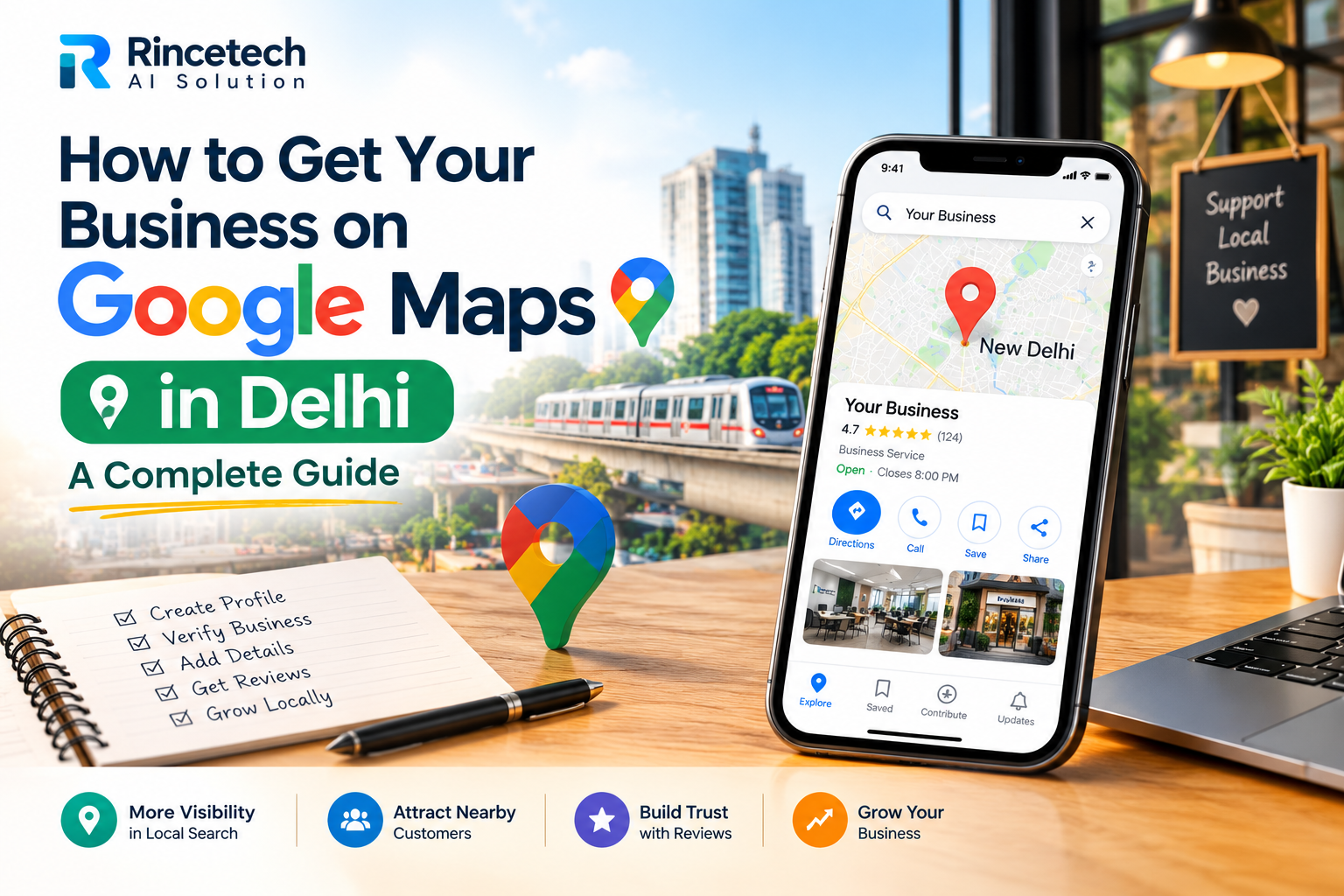
How to Get Your Business on Google Maps in Delhi: A Complete Guide
If you own a shop, clinic, restaurant, consultancy, agency, or service-based business in Delhi, appearing on Google Maps can help potential customers discover your business when they search online. Many people search for services such as a digital marketing agency in Delhi, a nearby dentist, a website developer, or a local repair service before deciding whom to contact.
If your business does not appear in relevant local searches, potential customers may discover your competitors instead. The good news is that eligible businesses can create a Google Business Profile without paying a listing fee. With accurate information, proper verification, genuine customer reviews, and a well-maintained website, you can build a stronger local presence.
In this guide, Rincetech AI Solution explains how to get your business on Google Maps in Delhi, optimize your listing, and use local SEO to improve your chances of reaching nearby customers.
What Is Google Maps and Google Business Profile?
Google Maps is a mapping platform that helps people find businesses, locations, directions, and contact information. Google Business Profile is the free tool that eligible businesses use to manage how their information appears on Google Search and Google Maps.
Through a verified profile, you can provide your business name, address or service area, phone number, opening hours, website, business category, photographs, and other relevant details. Customers may also be able to read reviews, request directions, visit your website, or contact your business.
For example, someone searching for a website development company in Delhi may see a map with relevant businesses and their profile information. A complete, accurate listing helps Google understand your services and gives customers useful information before they contact you.
Why Is Google Maps Important for Delhi Businesses?
Delhi has businesses across many industries, including retail, healthcare, education, hospitality, professional services, and e-commerce. Local visibility can be valuable when potential customers want a provider in a particular neighbourhood or near their current location.
- Local discovery: Your business may appear when people search for relevant products or services in your area.
- More contact opportunities: Customers can use the phone, website, or directions options available on your profile.
- Customer trust: Accurate details, real photographs, and genuine reviews help people evaluate your business.
- Better local presence: Your profile can complement your website and other marketing channels.
- Useful performance insights: Profile performance data can help you understand how people discover and interact with your listing.
However, creating a profile does not guarantee that your business will appear at the top of Google Maps. Local results depend on factors such as relevance, distance, and prominence.
Step 1: Check Whether Your Business Is Already on Google Maps
Before creating a new listing, search for your business name on Google Search and Google Maps. Some businesses already have profiles created from publicly available information or previous customer contributions.
If a profile already exists, check whether you can claim and manage it. Creating a duplicate listing for the same business can cause confusion and may create profile management problems.
If your business is not listed, proceed to Google Business Profile and begin the setup process. Use your Google Account to access the official service.
Official website: Google Business Profile.
Step 2: Add Your Business Details Correctly
Enter your real business information carefully. Your business name should match the name you use in the real world, such as on your signage, website, and business materials. Avoid adding extra keywords, locations, promotional phrases, or phone numbers to the business name just to influence rankings.
For example, if your actual business name is Rincetech AI Solution, use that name rather than adding a long string of SEO keywords to it.
Depending on your business type, Google may ask for information such as:
- Business name and primary category.
- Physical address, if customers can visit your eligible location.
- Service areas, if your business travels to customers.
- Contact number and website URL.
- Business hours and other applicable details.
Make sure the information is accurate and current. Incorrect details can make it harder for customers to contact you or find the correct location.
Step 3: Choose the Right Business Category
Your primary business category helps Google understand what your company does. Select the most specific available category that accurately represents your main business activity.
For example, a restaurant should choose a relevant restaurant category, while a dental clinic should select the appropriate dental category. A digital marketing agency should select the closest accurate category available for its services.
You can add relevant additional categories where appropriate, but avoid selecting unrelated categories simply because they seem popular. The goal is to describe your actual business, not to target every possible search term.
Step 4: Set Up Your Address or Service Area
Location details are especially important for businesses targeting customers in Delhi. If customers can visit your eligible business premises, enter the correct address and position the map pin as accurately as possible.
If you operate a service-area business and travel to customers instead of receiving them at your premises, configure your profile according to Google's service-area business rules. Businesses that do not serve customers at their address should not display that address as a public storefront.
You may serve customers in areas such as Dwarka, Janakpuri, Uttam Nagar, or other parts of Delhi, but list only areas where you genuinely provide services. Adding a neighbourhood to your service area does not guarantee that you will rank there.
Step 5: Verify Your Google Business Profile
Google may require you to verify that you are authorized to manage the business. Available verification methods can vary by business and account, so follow the options displayed in your profile.
Depending on eligibility, Google may offer methods such as video verification, phone, email, or other verification options. Do not assume that every business can choose every method.
Provide the requested information honestly and complete the process using Google's official instructions. Avoid creating multiple profiles to get around verification requirements. If verification fails, review the instructions and correct any inconsistencies in your business information.
Step 6: Complete and Optimize Your Business Profile
After verification, fill in every relevant field available to your business. An incomplete profile may leave customers without important information about your services, location, or working hours.
Write a clear business description
Explain what your business does, who you serve, and what customers can expect. Keep the description factual and easy to read. Avoid promotional claims that you cannot support or repeatedly inserting keywords.
For example, a Delhi-based digital marketing company can describe its website development, SEO, social media management, and paid advertising services in straightforward language.
Add your services
List the services your business genuinely offers. A professional service provider might include website design, website development, local SEO, or social media management where these services are available. Use clear descriptions so potential customers can understand your offerings.
Keep your business hours updated
Enter your normal working hours and update special hours for holidays or temporary changes. Incorrect timings can frustrate customers and reduce confidence in your business.
Upload real photographs
Add authentic images of your storefront, office, team, products, completed work, or service environment, as relevant. Good photographs help customers understand what your business looks like and what you offer. Do not use misleading images that misrepresent your location or services.
Step 7: Collect Genuine Customer Reviews
Reviews can help prospective customers evaluate a business before making contact. They can also contribute to prominence in local search. Ask customers who have genuinely used your products or services to share honest feedback about their experience.
You can share your Google review link through a follow-up email, WhatsApp message, invoice, or printed QR code. Make the request simple and polite, and allow customers to express their genuine opinions.
Never buy reviews, create fake accounts, or offer discounts, gifts, or other incentives in exchange for positive reviews. Do not pressure customers to leave only favourable feedback. These practices can violate Google's review policies.
Respond professionally to both positive and negative reviews. Thank customers for useful feedback and address legitimate concerns calmly. Avoid sharing private customer information in public replies.
Step 8: Use Your Website to Support Local SEO
Your Google Business Profile and your website can work together to establish a stronger online presence. Your website should clearly explain your services, provide accurate contact information, and help visitors understand why your business is relevant to their needs.
If you provide services across Delhi, create useful service pages that explain what you offer and the areas you genuinely serve. For example, a website development company can explain its website design process, typical project requirements, and services for local businesses.
Include your real business name, contact details, and location information where appropriate. Keep these details consistent with your Google Business Profile and other legitimate business listings.
Use Google Search Console to monitor how your website performs in Google Search. It can help you identify search queries, indexing issues, and opportunities to improve relevant pages.
For additional guidance, visit Google Search Console and review Google's SEO Starter Guide.
Step 9: Build Consistent Local Business Information
Local SEO is not limited to your Google Maps listing. Customers may also discover your business through your website, professional directories, social media profiles, and local business associations.
Where appropriate, make sure your business name, address, phone number, and website are accurate across these platforms. Correct outdated listings and avoid submitting your details to irrelevant or low-quality directories simply to create more links.
You can also build legitimate local relationships through business partnerships, community events, professional associations, and useful local content. These activities can improve your reputation and help people discover your company beyond Google Maps.
Step 10: Track Your Google Maps Performance
Once your profile is active, review the available performance data regularly. Depending on the information provided by Google, you may be able to understand how people discover your business and which actions they take.
- Review searches and terms that help customers discover your profile.
- Monitor calls and other available customer interactions.
- Check website clicks and direction requests where reported.
- Review changes in customer feedback and profile engagement.
- Identify missing details or outdated information that need attention.
Use these observations to improve your profile and website. For example, if customers frequently ask about a service that is not clearly explained on your website, consider adding a dedicated service page or improving the description on your profile.
Remember that profile performance metrics and search rankings are not the same thing. A change in calls or website clicks can have several causes, including seasonality, customer demand, competition, and changes in your marketing.
Common Google Maps Mistakes to Avoid
Some businesses unintentionally weaken their local presence by using inaccurate information or ignoring profile maintenance. Avoid these common mistakes:
- Keyword stuffing: Do not add extra service or location keywords to your business name.
- Duplicate listings: Do not create multiple profiles for the same business and location.
- False addresses: Never use a location where your business is not eligible to maintain a profile.
- Fake reviews: Do not purchase reviews or offer rewards for positive feedback.
- Incorrect categories: Choose categories that represent your actual business activities.
- Outdated information: Update your hours, contact details, and services when they change.
- Unrealistic SEO promises: Be cautious of anyone promising guaranteed first position on Google Maps.
Google states that local ranking is mainly influenced by relevance, distance, and prominence. Businesses cannot pay Google to receive a better organic local ranking. Following the guidelines and maintaining accurate information is a more sustainable approach than trying to manipulate the listing.
How Rincetech AI Solution Can Help with Local SEO in Delhi
Setting up a Google Business Profile is an important first step, but businesses may also need help with website optimization, local keyword research, content creation, and ongoing SEO improvements.
Rincetech AI Solution helps businesses strengthen their digital presence through services such as website development, SEO, digital marketing, social media management, Meta Ads, and Google Ads.
For businesses targeting customers in Delhi, a practical strategy can include improving website usability, creating useful service pages, maintaining consistent business information, and monitoring local search performance. The right approach depends on your business type, competition, service area, and current online presence.
Our focus is on helping businesses build a clear and professional online presence without relying on unrealistic ranking guarantees. If you need assistance with your website or local SEO strategy, visit Rincetech AI Solution to explore our services.
Frequently Asked Questions
1. Is it free to put my business on Google Maps?
Yes. Creating and managing a Google Business Profile is free for eligible businesses. You do not need to pay a listing fee to appear on Google Maps. Optional professional SEO services and paid advertising are separate.
2. How long does it take for my business to appear on Google Maps?
The timing varies depending on verification, eligibility, and Google's processing. Some profiles may become visible sooner than others. Completing verification does not guarantee a particular ranking or immediate visibility for every search.
3. Can a service-area business in Delhi appear on Google Maps?
Eligible service-area businesses can create a profile if they meet Google's guidelines. Businesses that travel to customers should configure their service area correctly and hide their address when they do not receive customers at that location.
4. How can I improve my Google Maps ranking in Delhi?
Provide accurate and complete profile information, choose appropriate categories, describe your services clearly, collect genuine customer reviews, respond to feedback, and maintain a useful website. Local ranking also depends on the searcher's location and other factors beyond your direct control.
5. Do I need a website to get listed on Google Maps?
A website is not mandatory for every eligible business profile. However, a well-maintained website can give customers more information about your business and support your broader local SEO strategy.
6. Can I rank in Dwarka, Janakpuri, and Uttam Nagar with one profile?
Your visibility can vary across neighbourhoods because distance and competition influence local results. You should use one accurate profile for each eligible real-world business location rather than creating fake listings in different areas. Service areas should reflect where you genuinely operate.
7. Can an SEO agency guarantee the number one position on Google Maps?
No agency can honestly guarantee a specific organic Google Maps position. A professional SEO provider can help improve your profile, website, and local SEO practices, but rankings depend on Google's systems, customer location, competitors, and other factors.
Conclusion
Getting your business on Google Maps in Delhi begins with creating or claiming an eligible Google Business Profile, entering accurate information, completing verification, and choosing the right categories. After setup, focus on genuine reviews, useful photographs, updated business details, and a website that clearly explains your services.
Local SEO is an ongoing process rather than a one-time task. Review your performance, correct errors, and improve the information customers need to make a decision. Avoid shortcuts such as fake reviews, duplicate listings, and misleading business details.
If you want to improve your website and local search presence, Rincetech AI Solution can help you explore suitable website development and digital marketing services. Visit www.rincetech.com to learn more and take the next step towards building your business online.